Maximize your creativity with Road Essentials.
Enhance your Unreal Engine projects with “Road Essentials”. This asset pack offers an abundance of street and bridge elements, including the “Smart Road Markings” tool.
Description
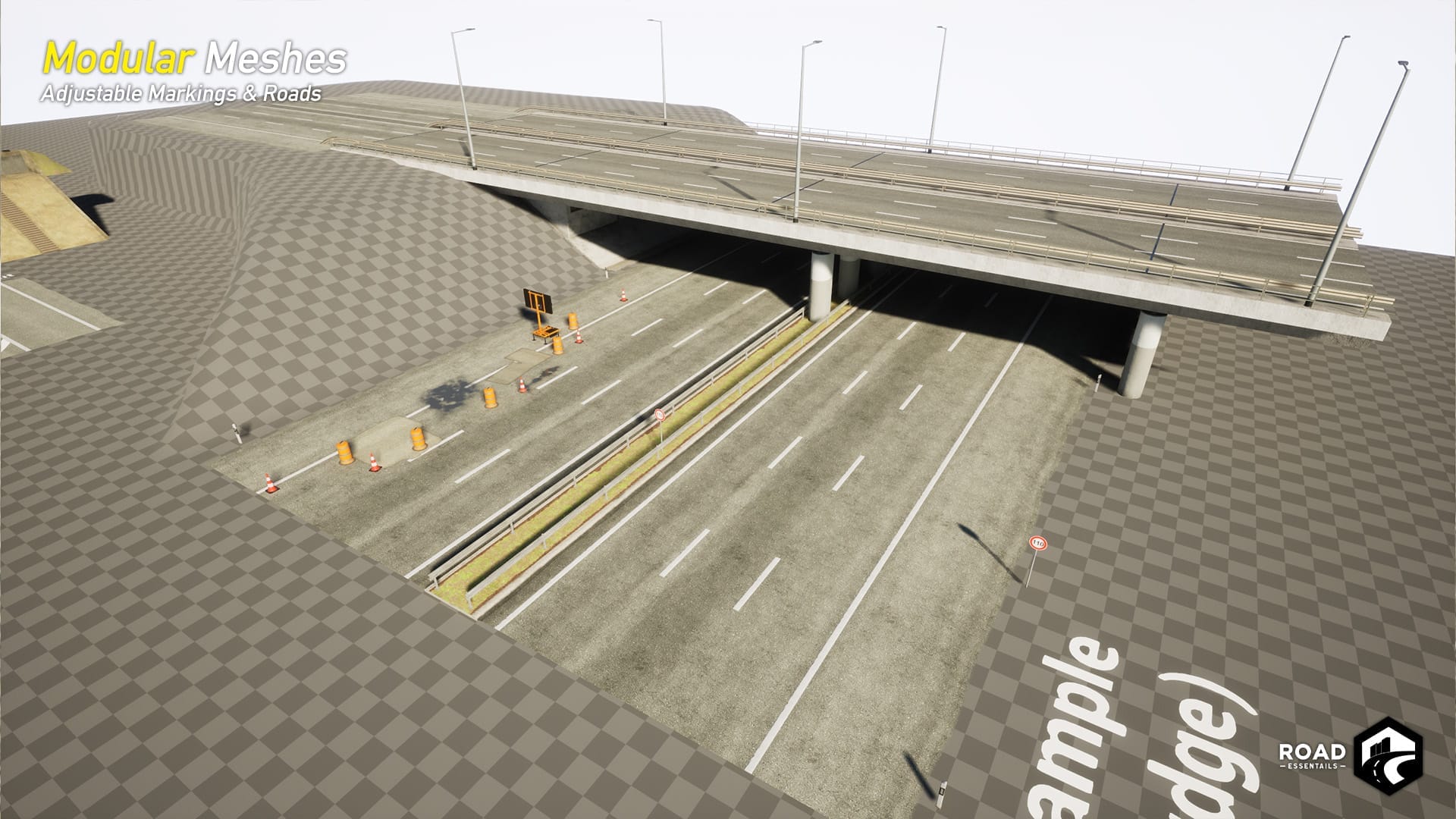
Road Essentials is the ideal asset pack for realistic street and bridge design in Unreal Engine. It includes a wide range of modular street parts, detailed 3D models, and versatile bridge elements, complemented by the innovative “Smart Road Markings” tool. Perfect for game developers and 3D artists.
-
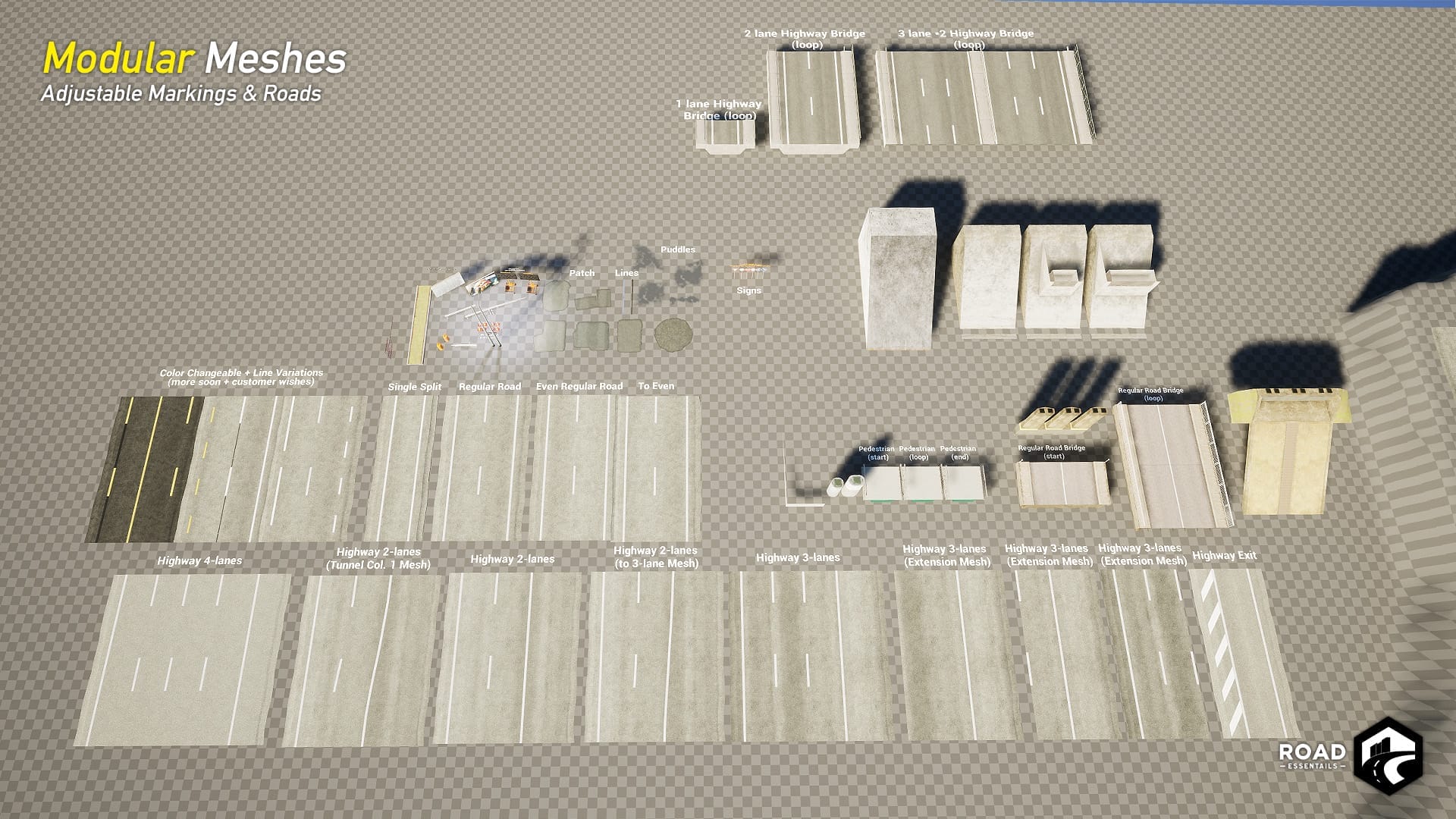
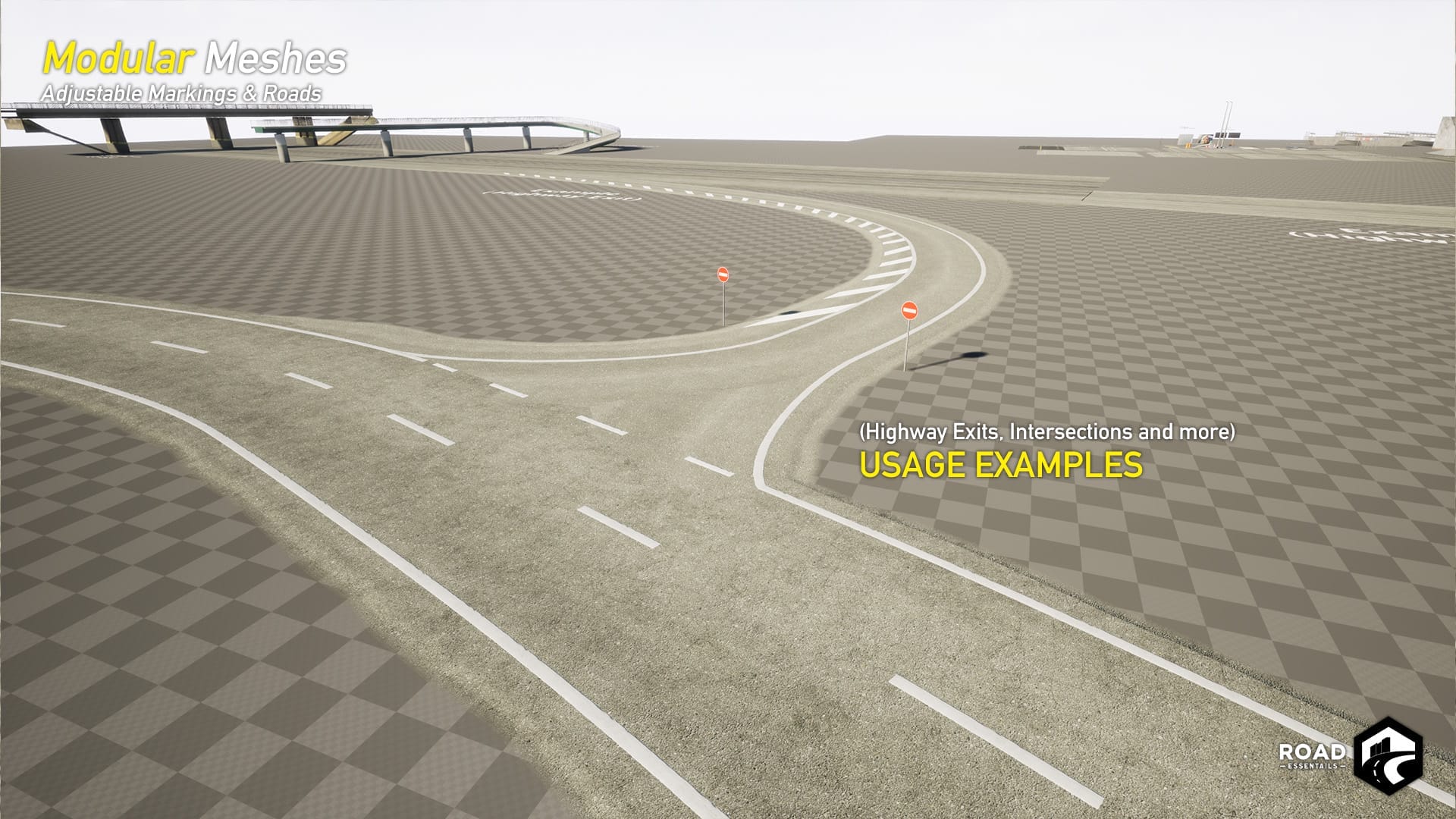
Modular street and highway elements
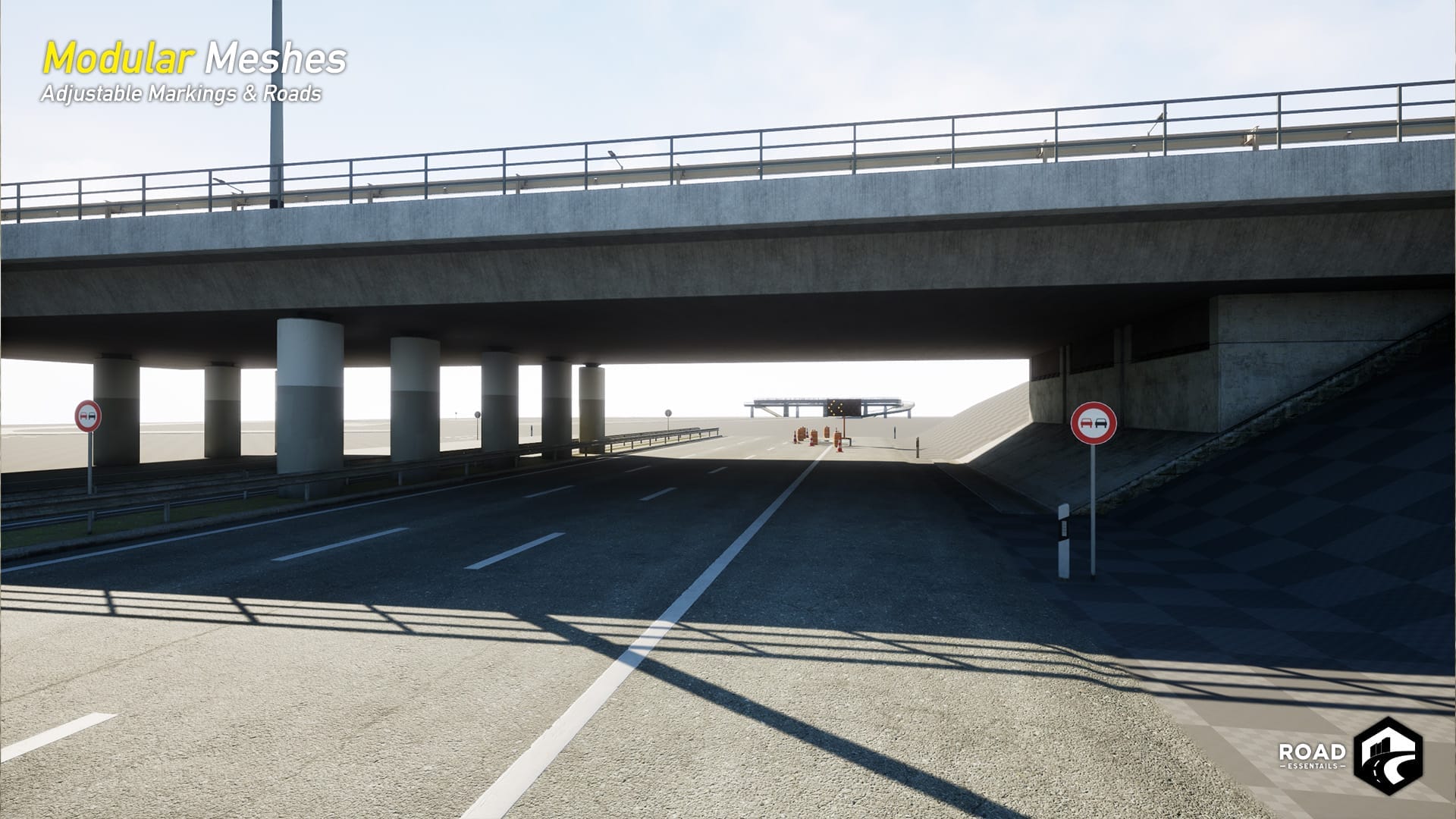
German RQ standard (road guidelines) - Modular bridge elements
- Customizable road markings
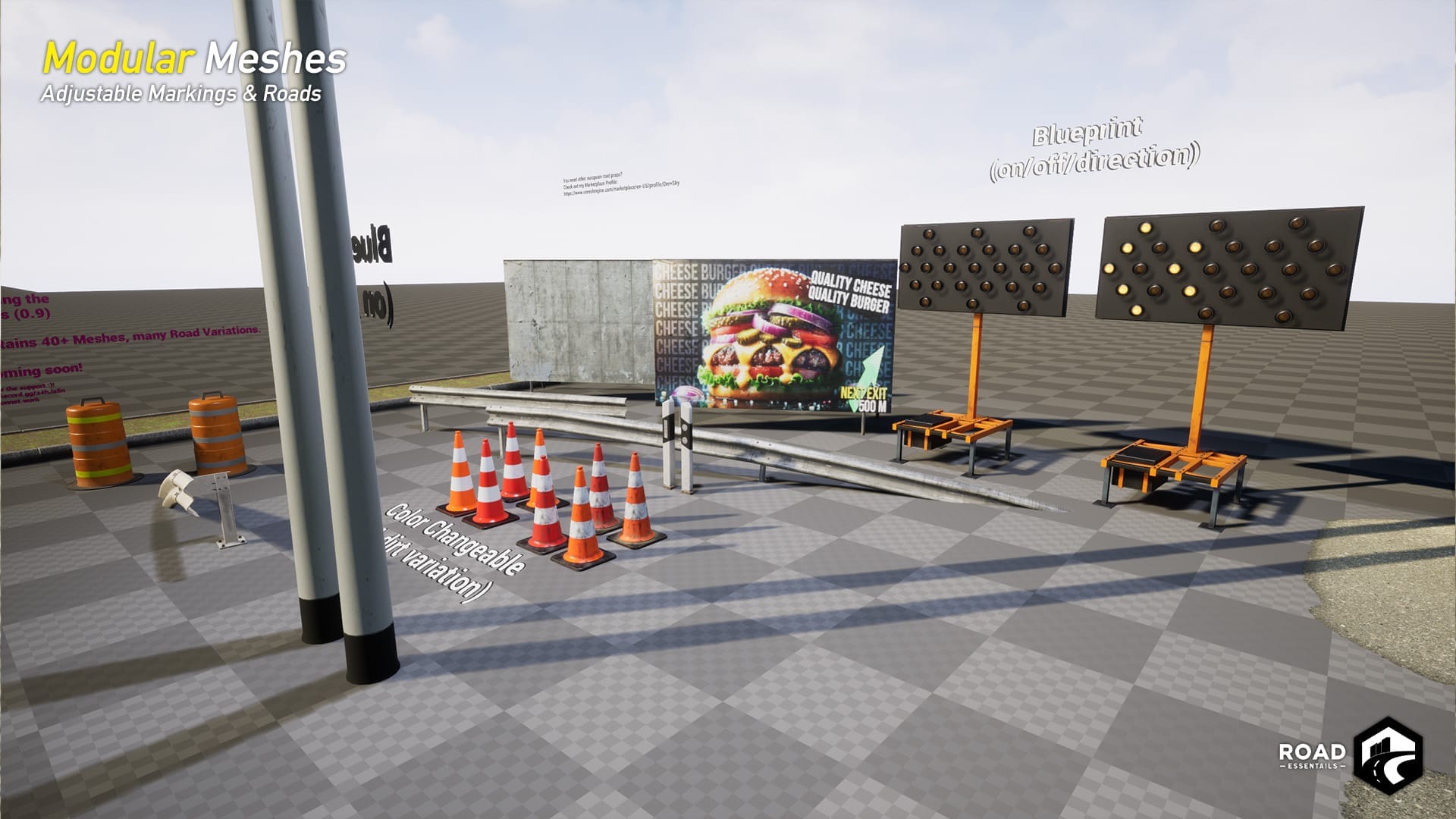
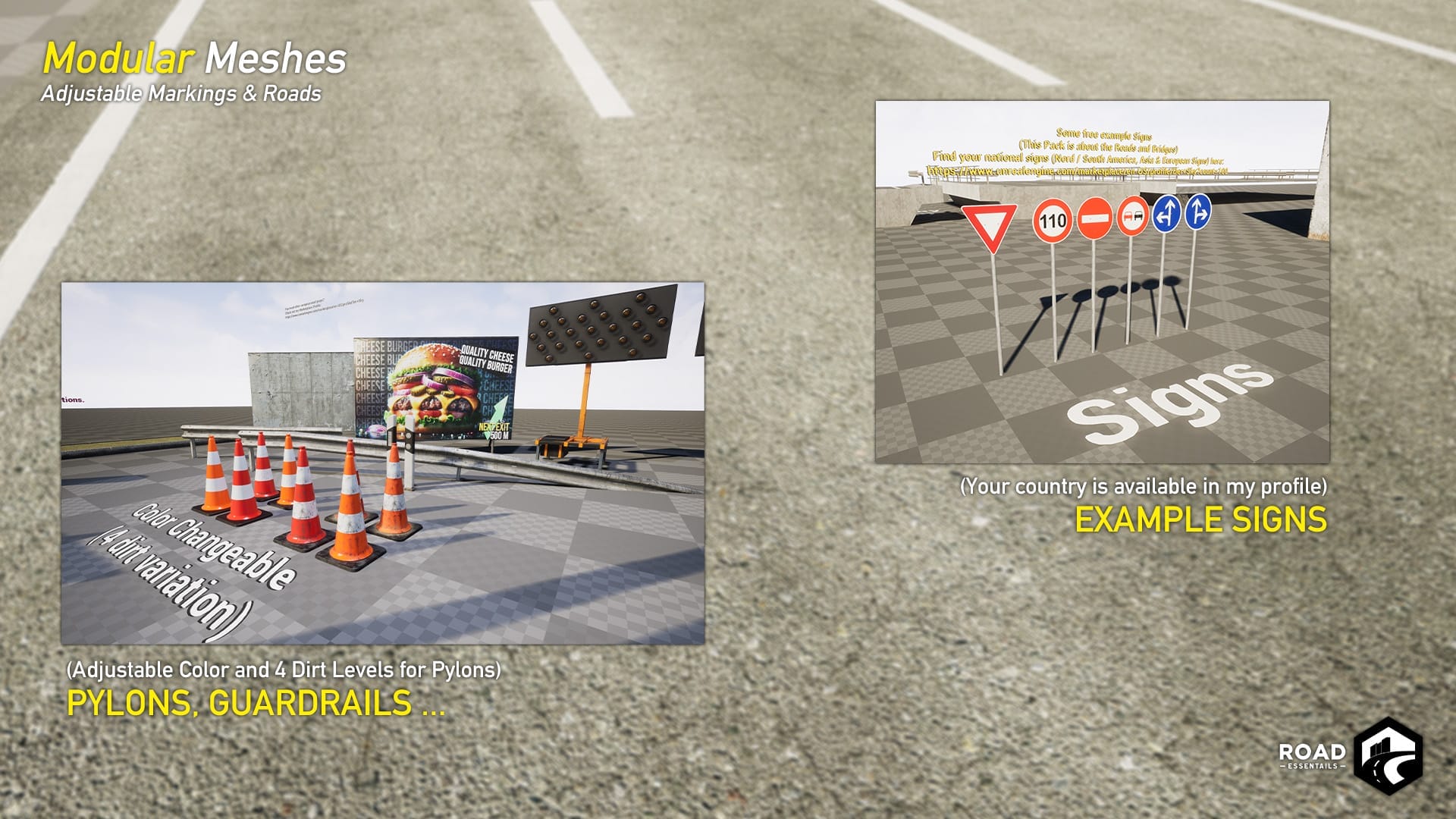
- Guardrails, light posts, and more
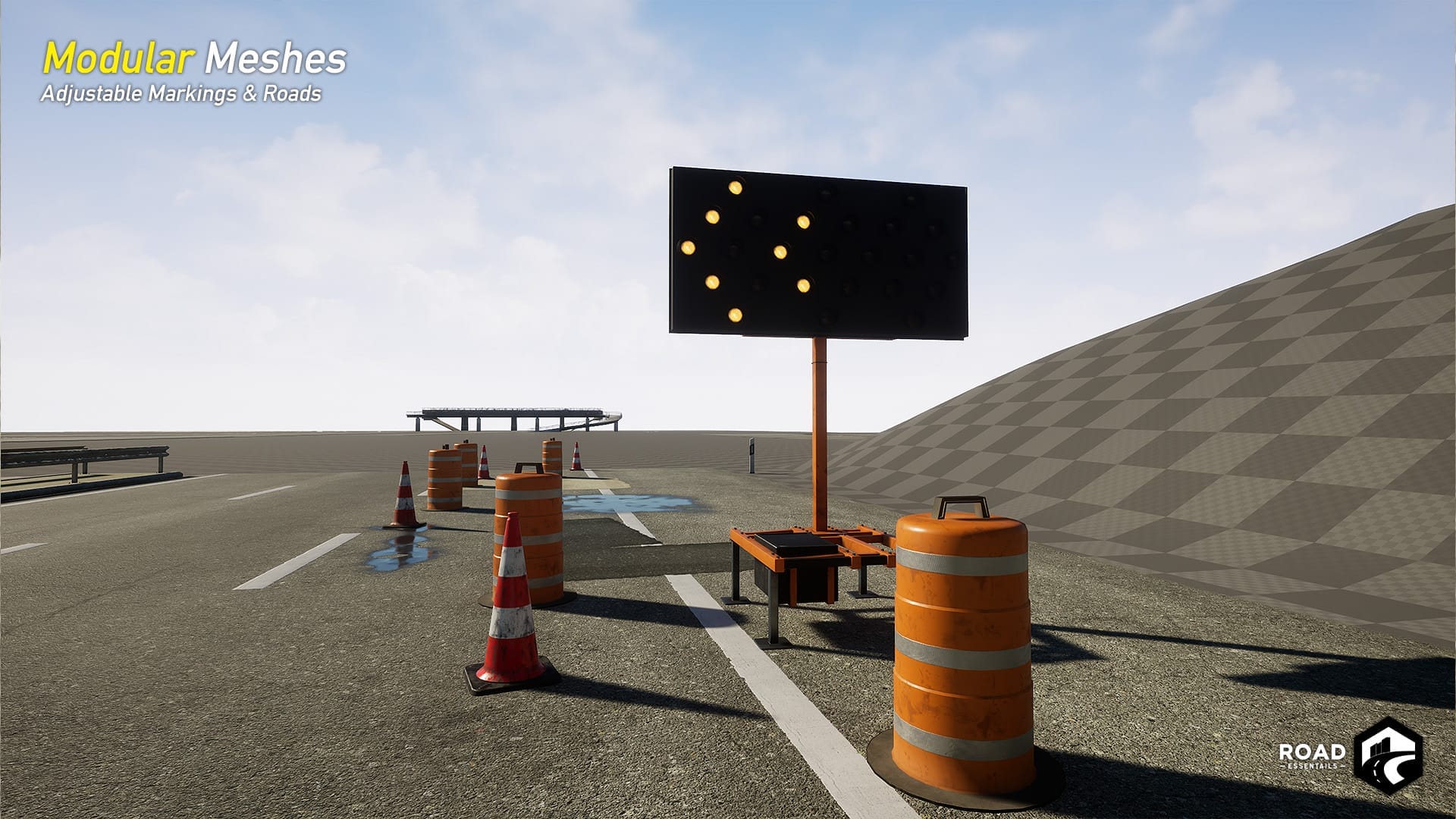
- Realistic Arrow Boards with lights
- Includes Smart Road Markings Tool (free)
Road Essentails: Showcase
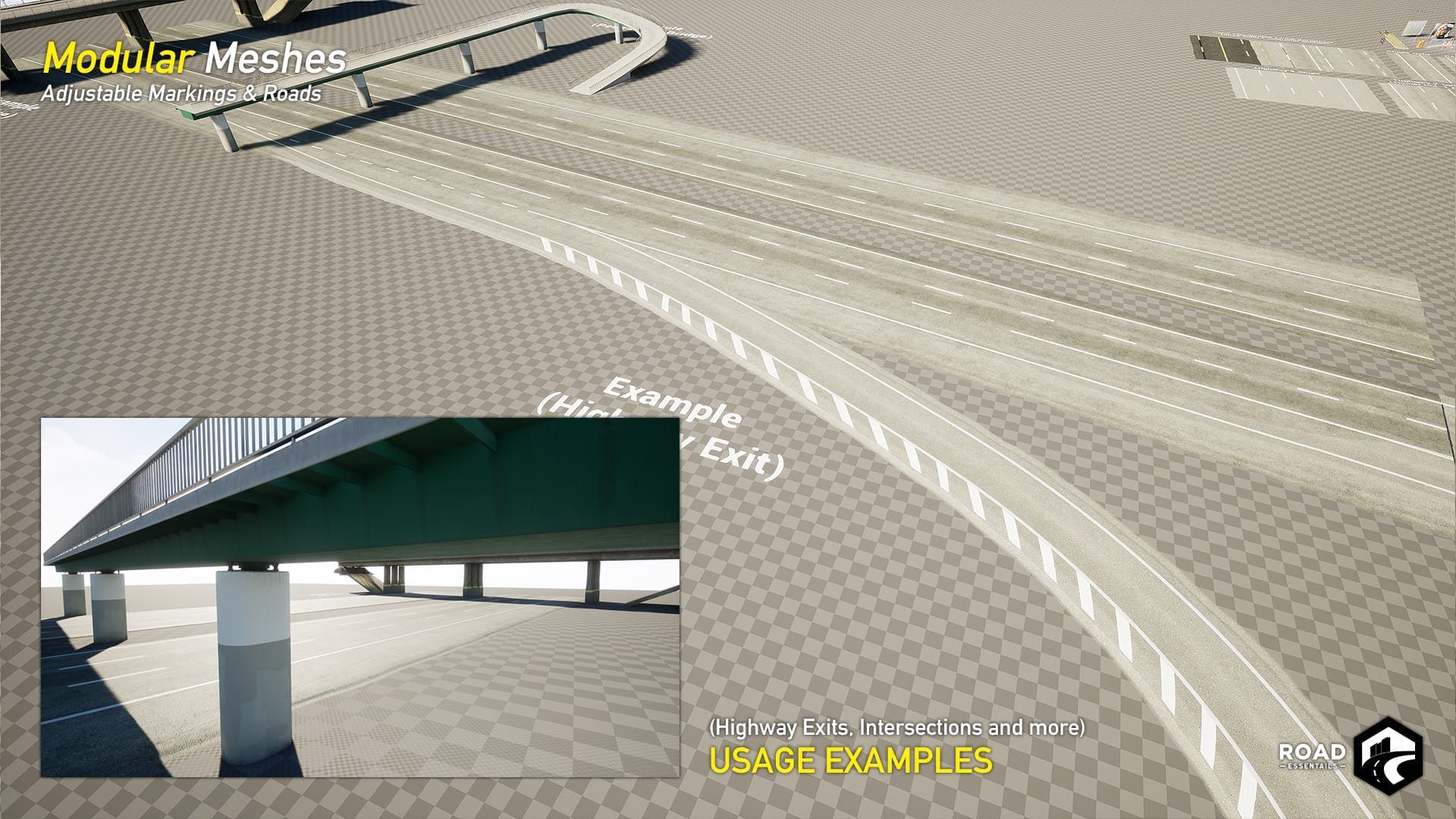
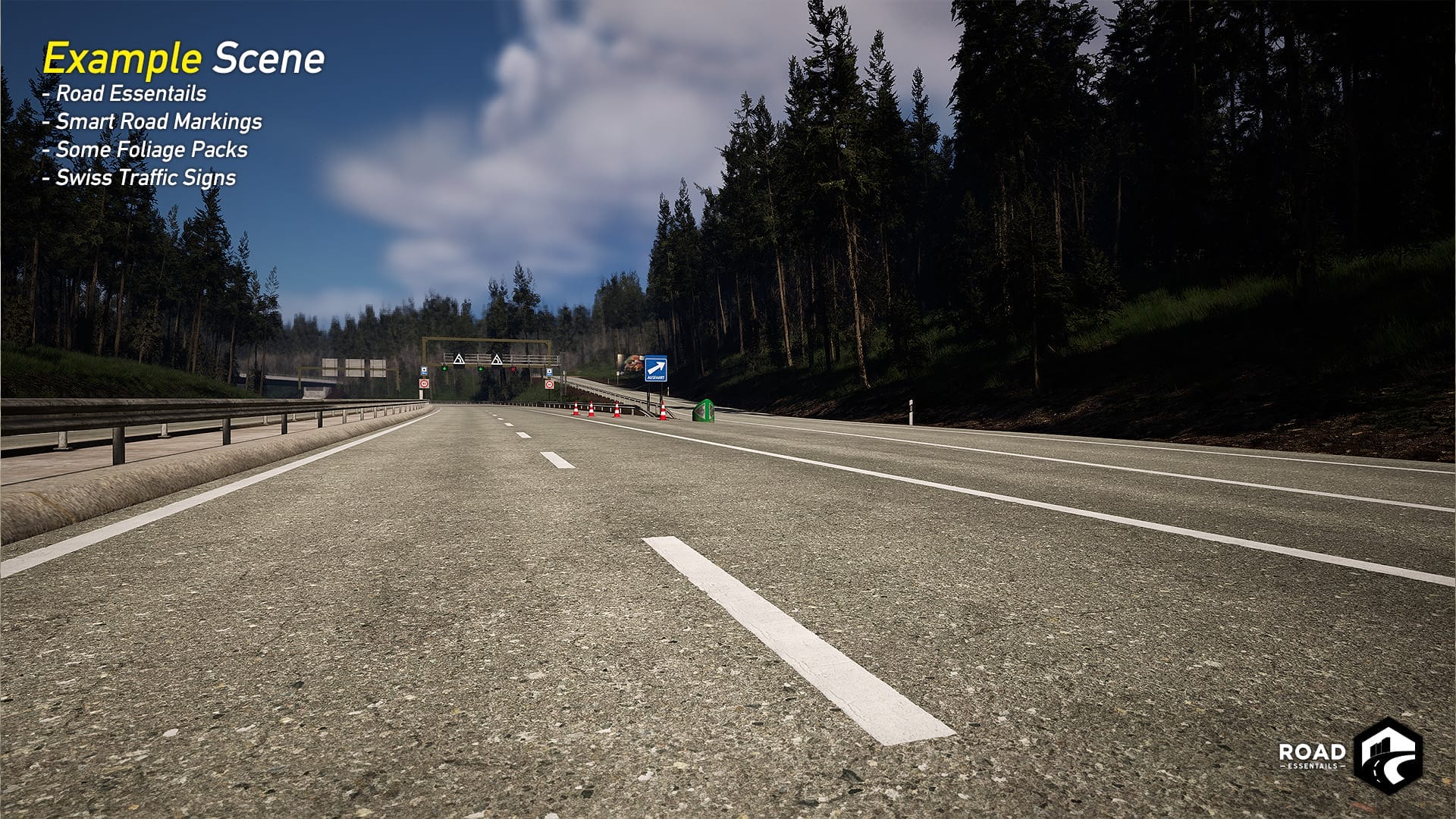
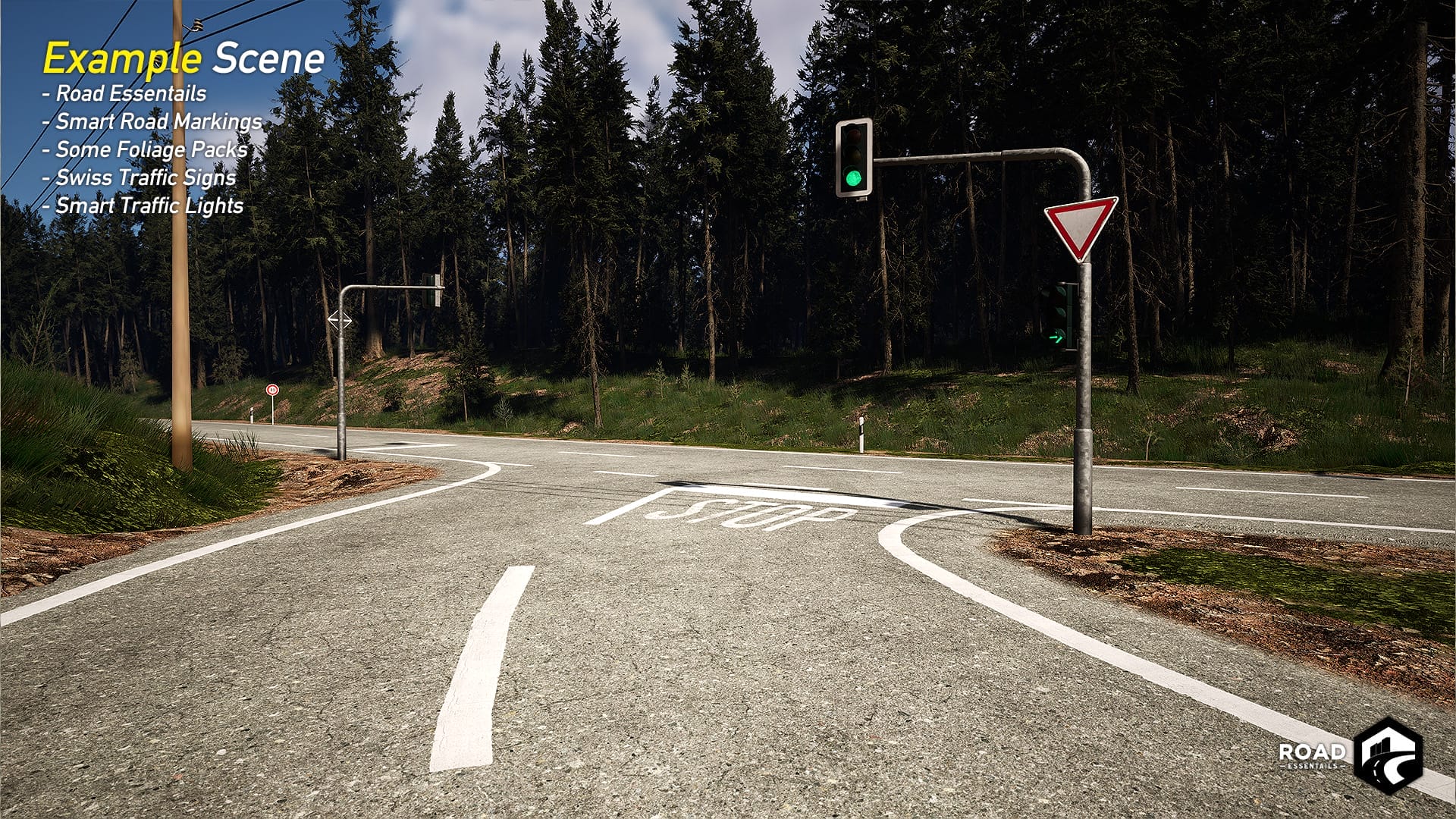
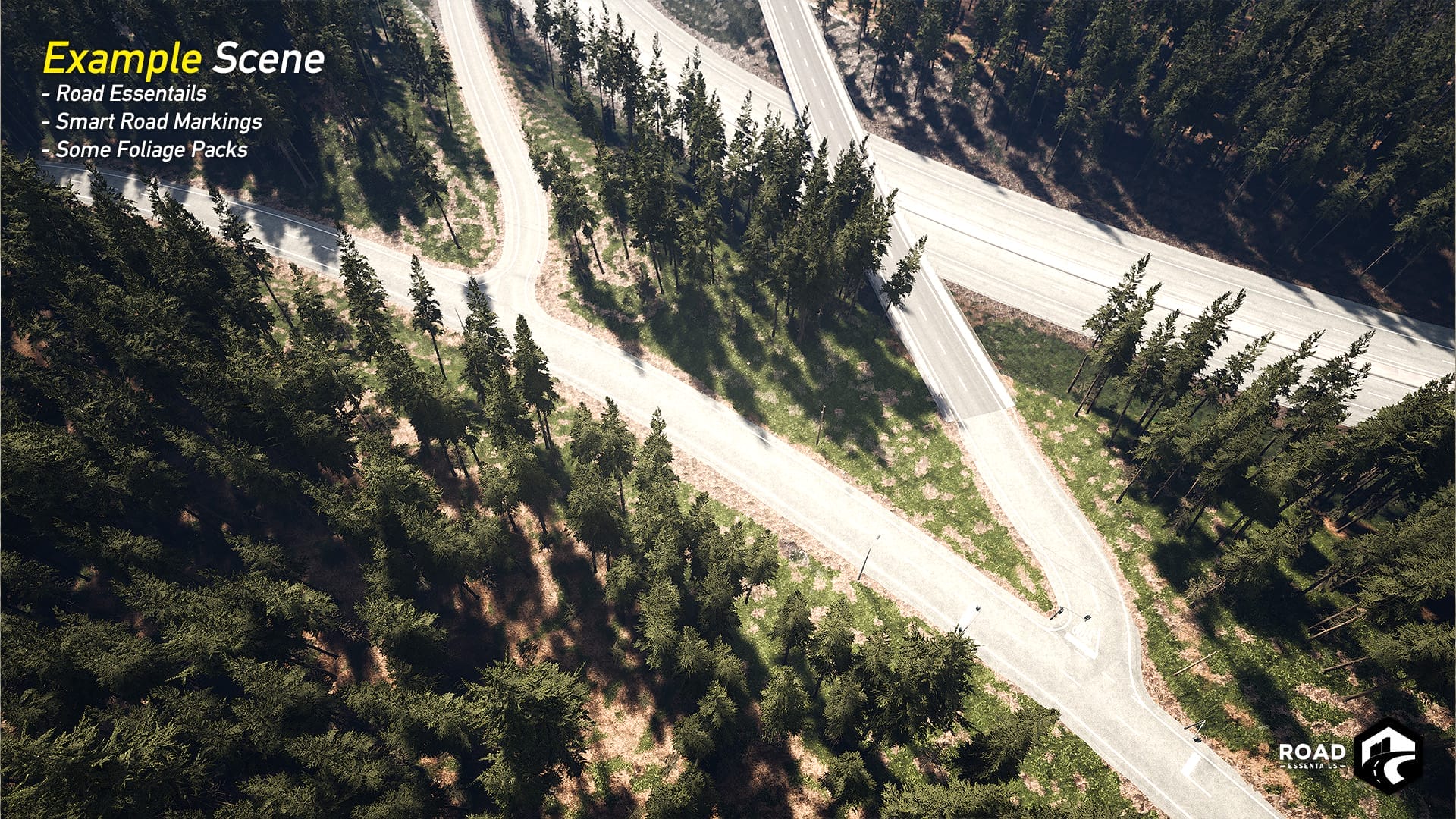
Quickly and easily create roads for your game, simulation, or visualization. With just a few clicks, draw your road using Landscape Splines, whether it’s a country road or a highway. With modular bridge parts designed for RQ10.5 to RQ36, you can effortlessly build bridges in your game. All parts are “Spline-ready” and available for Unreal Engine 4.26 to Unreal Engine 5.
Tutorials & News
World Partition
Road Essentials can be used with World Partition. When using it, make sure you use a Spline-Blueprint or set your Landscape Splines to Persistent, so they are always displayed, whether the level cell has loaded or not. This can lead to performance loss, which can be prevented by adjusting the Cull-Distance settings. Set a maximum visibility for the road.
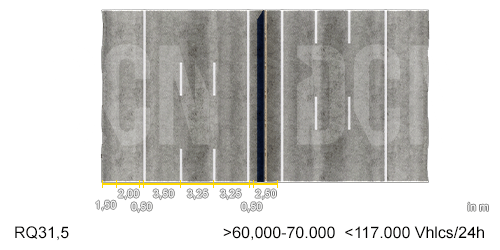
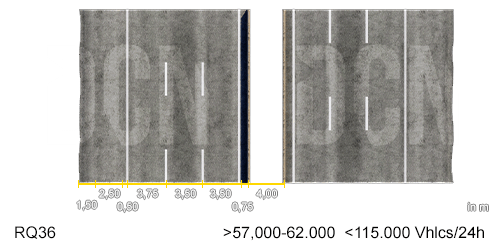
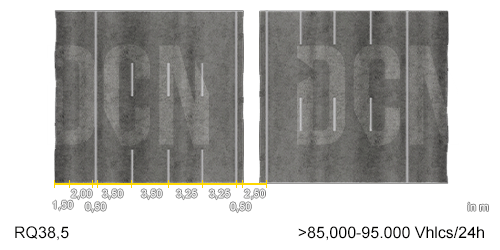
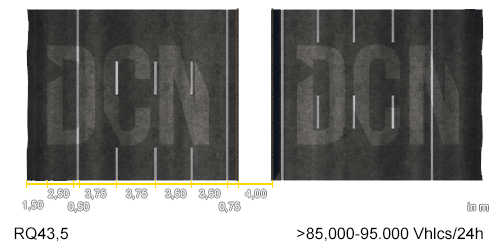
RQ Road Overview
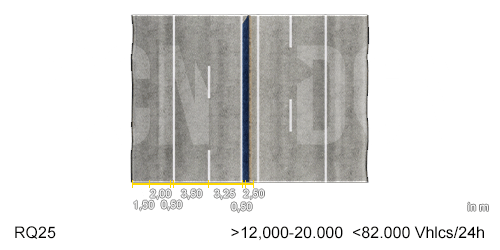
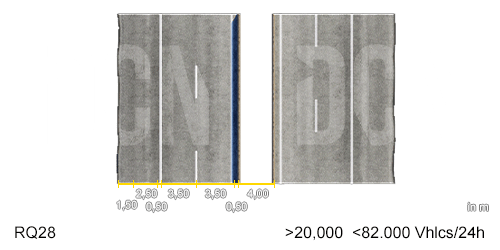
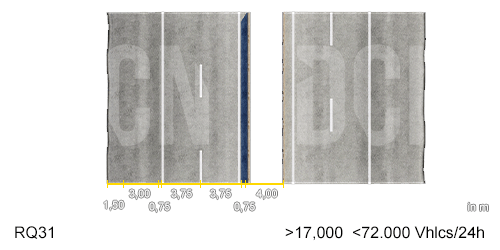
RQ25-43,5 Autobahn
The measurement is in Meter.
RQ (Regelquerschnitt) defines the Size of the Road, like RQ36 = 36 m.
Before choosing a road layout, you should think about how many cars use the roads in 24h. For Example, RQ36 Roads are intended to be used if you have at least 57.000 to a maximum of 115.000 Vehicles per 24 Hours driving on the road (Vhcls/24h).
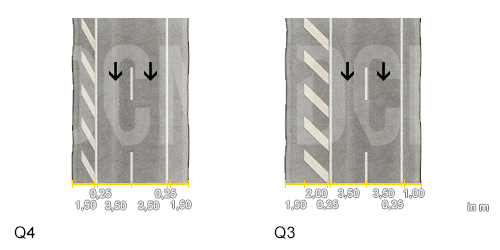
Q1-4 Exit Lanes
These Roads are Autobahn / Motorway Exit Lanes. The default one is Q1, but if you need wider Exit Lanes, you should go with Q2-4, specially when transfering to another Autobahn / Motorway (Autobahnkreuz / Interchange).
Roadmap
These points are to be added in future updates:
- First Parts of the Sidewalk Expansion Pack (experimental)
- First Parts of the Road Construction Expansion
Included in this Update:
- Reworked RQ Road Sizes regarding the official RAA
- RQ25, RQ28, RQ31, RQ31,5, RQ36, RQ38,5, RQ43,5
- RQ25B, RQ28B, RQ31B, RQ31,5B, RQ36B (Bridge Parts)
- Q1, Q2, Q3, Q4 Exit Lanes
- Modular Guardrail Pack
- Modular Concrete Barriers
- New complete Autobahn-Pieces, e.g.:
- 6 lanes + Concrete Barrier with real sizes / spaces
Included in this Update:
- Add-on – Smart Road Marking Pack as a free expansion pack.
- Add-on – Utility Boxes Vol. 1 Pack as a free expansion pack.
Included in this Update:
- New RQ10.5 double Road Version (II II)
- New RQ10.5 Road with Barriers (I|I) + Transition Mesh (Y)
- New Polish Delineator Texture (polish / german are available)
Included in this Update:
- RQ36 to Tunnel Collection Vol. 1 Road Adapter
- Bridge – Y-junction; splitting from three-lane bridge to one-lane and two-lane bridge (YI).
- Add-on – Smart Road Marking Pack as a free expansion pack.
(since this was plannes for v1.0, you can get an early version of it by contacting us)
Included in this Update:
- Bridge – Y-junction; splitting from two-lane bridge to one-lane bridge.
- Road – RQ9.5 (3m lane width); country roads
- Road – RQ7.5 (2.75m lane width); connecting roads
- Attention – With Version 1.0 I named to Pack “RoadEssentials” instead of the mistake “RoadEssentails”
This is the initial Marketplace Version.
- Included a spelling mistake (“Essentails” <-> “Essentails”); fixed in v1.0
- Maybe there are Decal Issues in UE5.3 (Engine Issue)
– Construction Side Road Parts (In Progress since v1.4)
If you have any wishes, feel free to write them in the Support Discord